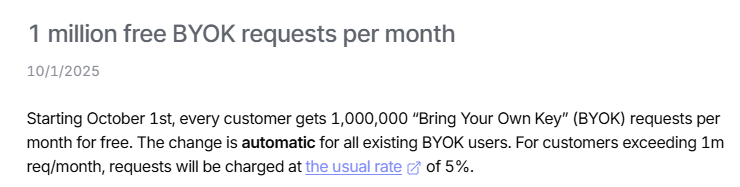
Openrouter an LLM chat API aggregator, announced that they have opened up 1 million free BYOK (bring your own keys) requests per month.
This slashes their standard platform fee of 5%, allowing users to utilize their all-in-one API while still being billed through their OpenAI or Anthropic accounts. This is perfect for those of us who have lingering balances spread across developer accounts and is a good excuse to make the switch.
How to BYOKs
How to get an OpenAI API key
Head to openais developer center and sign in or create an account.
Go into settings under organizations, click api keys
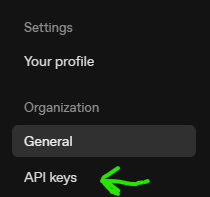
- Finally, click the top right
create new secret key
You’ll have your API key!
How to get free 250k daily ChatGPT 5 tokens per day!
how to get an anthropic API key
Go to anthropics developer console and sign in.
Clicking the expansion arrow at the top left, click API keys, which is under the manage section:
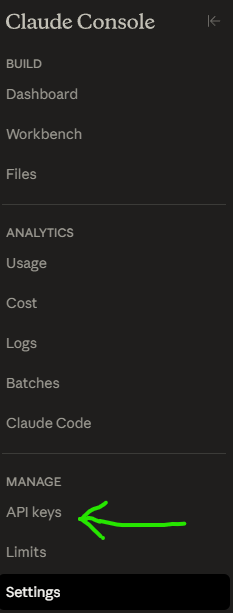
- Create your anthropic API key.
Connecting your keys to Openrouter
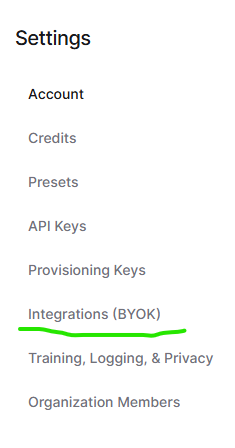
- In your Openrouter settings, select integrations and from the list input your API keys.
Configuration of presets (mandatory)
Sometimes you have to learn things the hard way, and that was me a few hours ago when I zapped away a dollar in credits when I went through the hassle of getting my OpenAI account verified to use the free daily 250k tokens for GPT 5.
One of the amazing features of Openrouter is that they will choose the best provider of each model which you can configure from the fastest to the cheapest; however, to make sure it routes through your BYOK key:
- Go into settings > presets > add presets
In your new preset, you’re going to want to:
- give it a
name(name it around the model you want to use, for easy configuration) - select the
modelyou want to use - then enable
provider routing
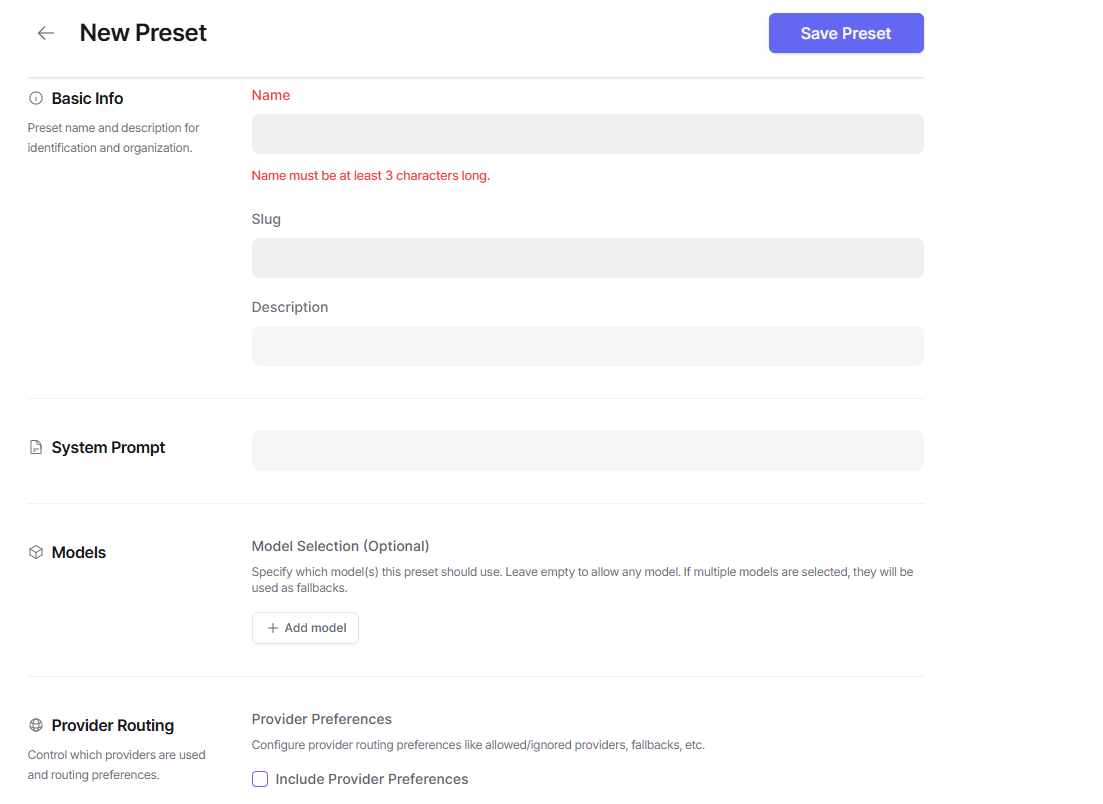
- Under provider routing, make sure to select the actual developing company as the provider under the
onlyoption
Then save the preset, you will use the preset’s name, for example, @preset/chat-gpt-free as your model.
How to get a discount on Openrouter’s general use on all models
Another cost savings you can get for your agents is by getting 1% discount on their 5% platform fee, simply by:
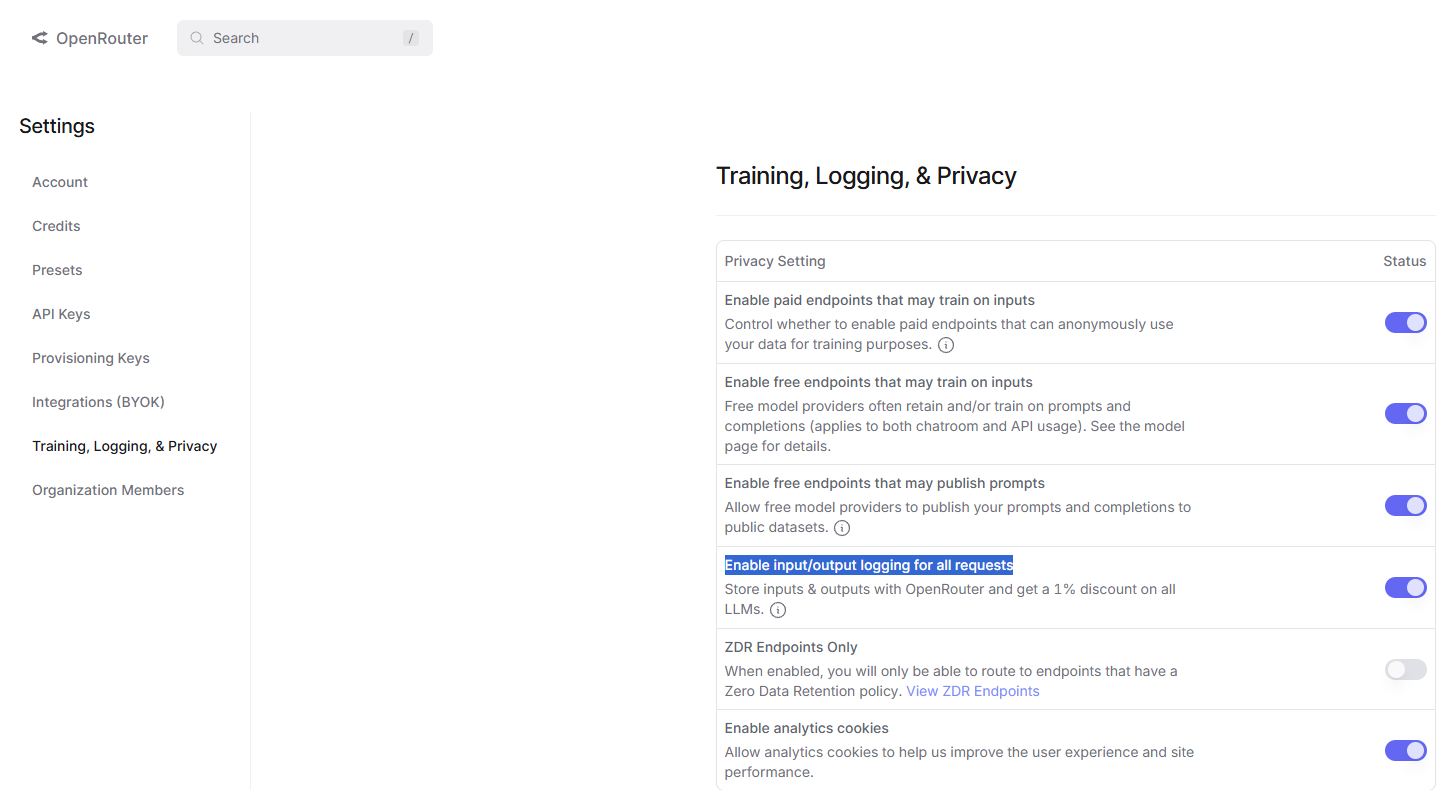
- going into settings > Training, Logging, & Privacy, then toggling
Enable input/output logging for all requestson.